Columns in the main tab
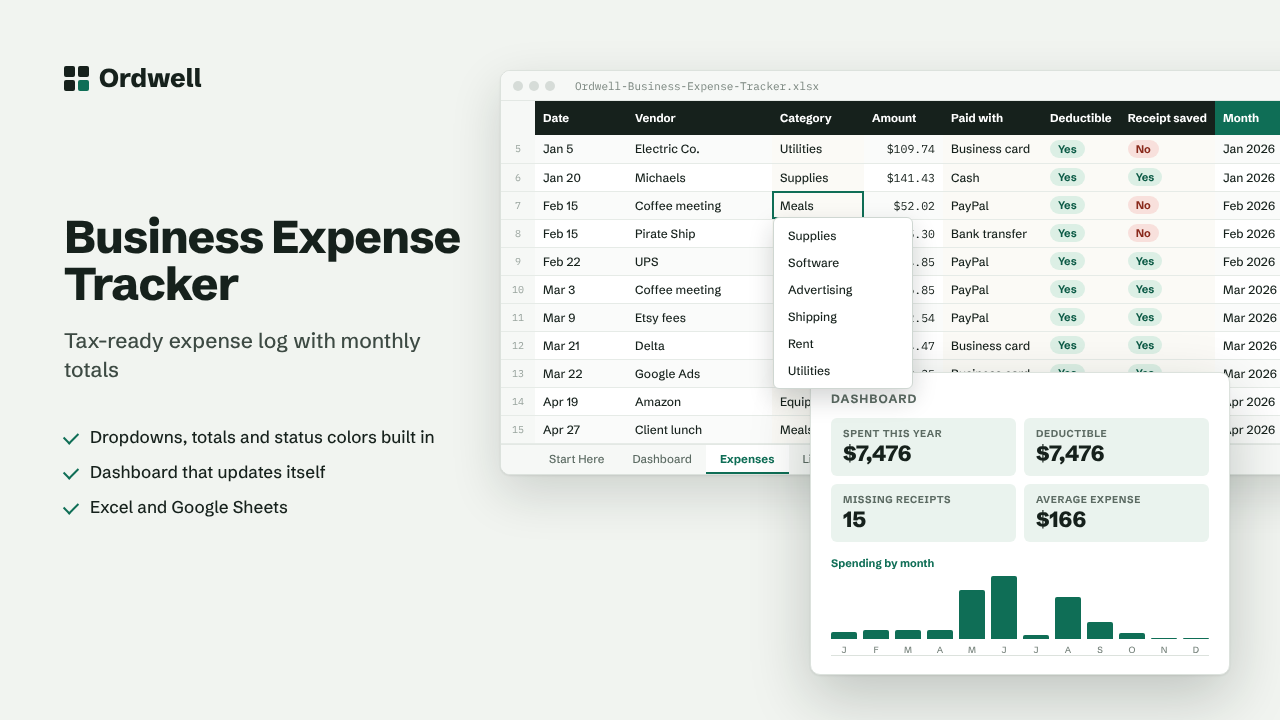
DateVendorCategoryAmountPaid withDeductibleReceipt savedMonth
Excel & Google Sheets template
Small Business Expense Tracker
Tax-ready expense log with monthly totals
$10
Available this week · $10
- Works inExcel 2010+, Google Sheets
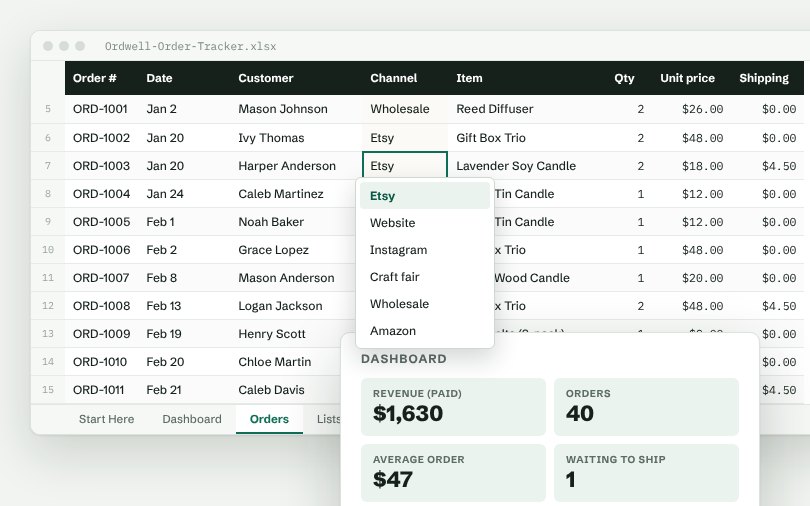
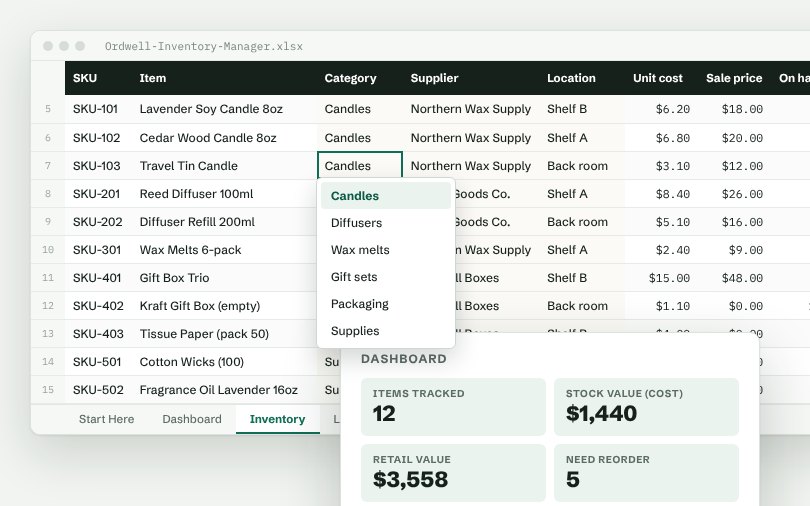
- TabsStart Here, Dashboard, data, Lists
- Rows ready500, formatted
- MacrosNone
- Sample dataIncluded, easy to delete
Need more than one? The Small Business Suite has all ten for $39.
How it works
- Log every business expense on the Expenses tab: date, vendor, category, amount and how you paid.
- Mark whether it is tax deductible and whether you have the receipt saved.
- The Dashboard totals spending by month and by category, ready for your accountant or tax software.
- Rename categories on the Lists tab (for example, to match Schedule C lines).
On the dashboard
- Spent this year
- Deductible
- Missing receipts
- Average expense
- Expenses logged
- Largest expense