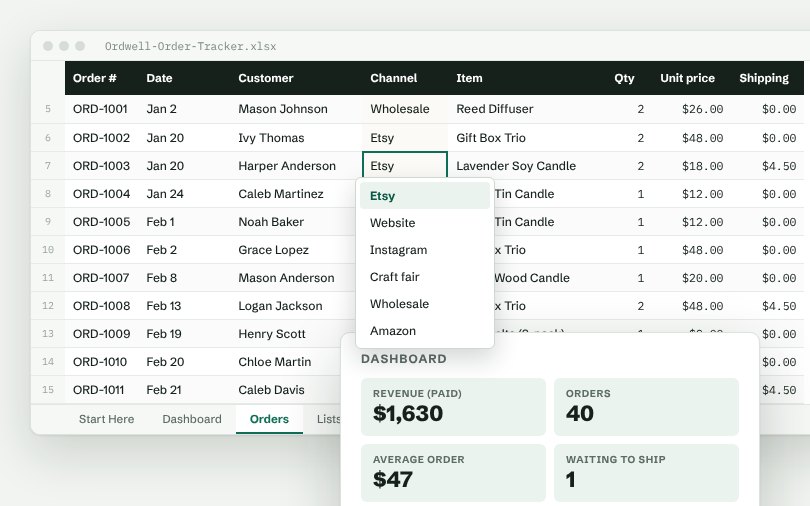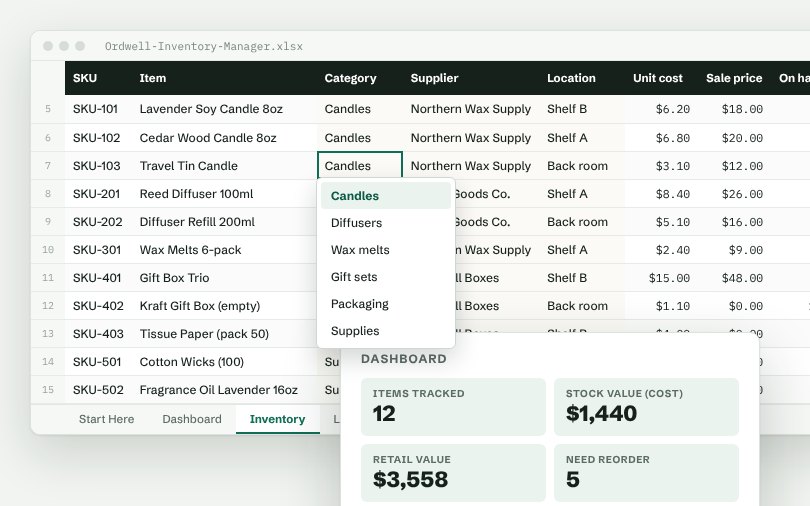
Columns in the main tab
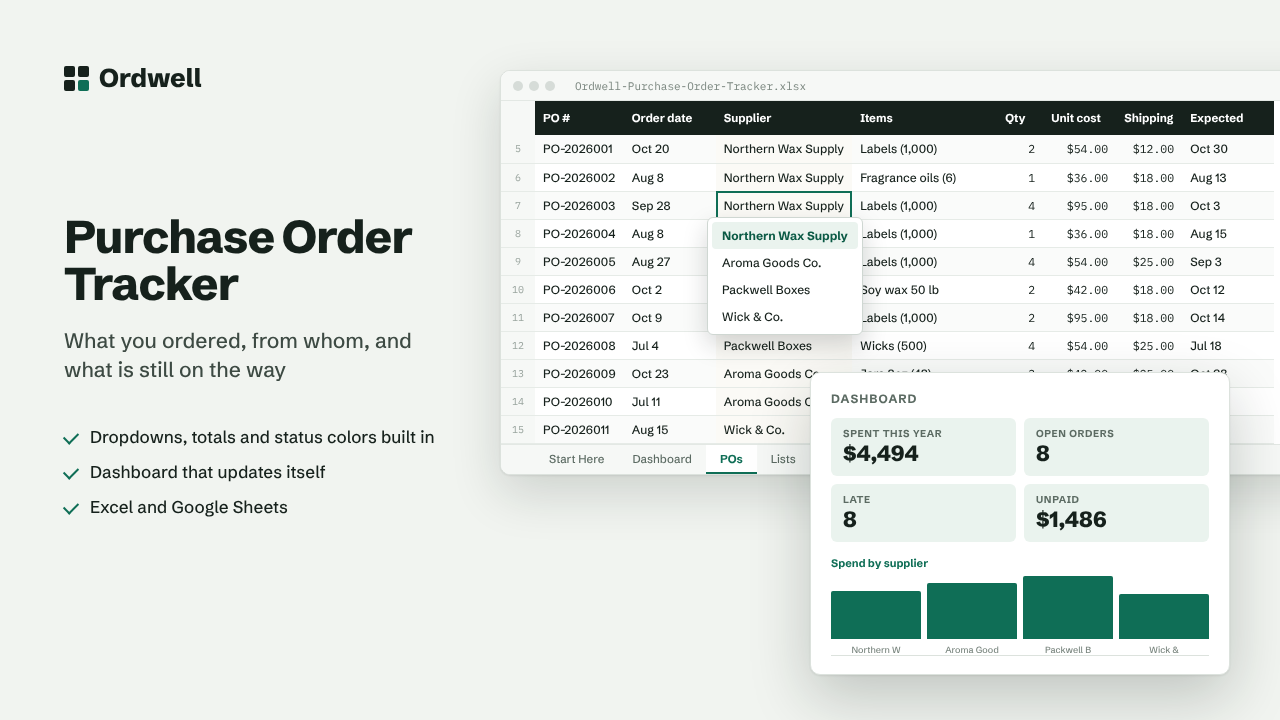
PO #Order dateSupplierItemsQtyUnit costShippingExpectedStatusPaymentTotalLate?
Excel & Google Sheets template
Supplier & Purchase Order Tracker
What you ordered, from whom, and what is still on the way
$10
Available this week · $10
- Works inExcel 2010+, Google Sheets
- TabsStart Here, Dashboard, data, Lists
- Rows ready500, formatted
- MacrosNone
- Sample dataIncluded, easy to delete
Need more than one? The Small Business Suite has all ten for $39.
How it works
- Add your suppliers on the Lists tab.
- Log each purchase order on the POs tab with quantity, unit cost, shipping and expected date.
- Late deliveries (past the expected date and not received) are flagged in red.
- The Dashboard shows spending per supplier, open orders and unpaid bills.
On the dashboard
- Spent this year
- Open orders
- Late
- Unpaid
- Orders placed
- Average order